
A supported model
Use Apple Intelligence on a supported macOS 26 Mac, or install and sign in to the Codex or Claude CLI.

Lantern is a small companion app that lives in your Mac's menu bar. With your permission, supported apps can use Apple Intelligence on your Mac or a Codex or Claude CLI already signed in there. Install it once, approve the app, and carry on where you left off.
Use Apple Intelligence on a supported macOS 26 Mac, or install and sign in to the Codex or Claude CLI.
Lantern runs on Apple silicon and Intel Macs.
The menu bar app uses Node.js to run Lantern's local service.
Open the Mac app. It checks Apple Intelligence and finds Codex and Claude; choose which models apps may use.
Press its Connect Lantern button again. Lantern opens an approval window on your Mac.
Approve the app only if the name and exact web address match the site you were on.
The app's AI features now use your on-device Apple model or your own signed-in subscription.
Only approve apps you trust — the same judgement you'd use before signing into any site.
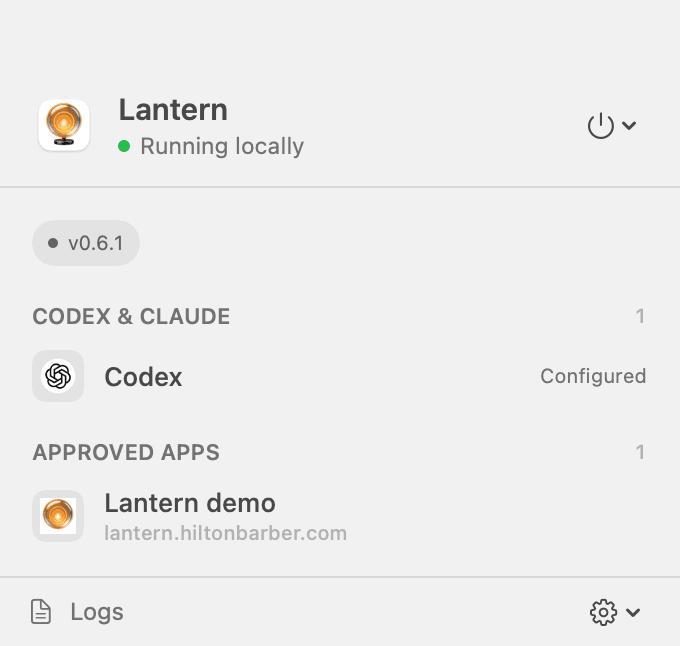

No app in mind? Try the live demo once Lantern is running.