
Build
Add Lantern's provider to your AI SDK routes and develop against Apple Intelligence, Codex, or Claude on your own Mac.

Lantern is a local inference server that works with your existing AI setup. Keep building with the AI SDK while requests use Apple Intelligence or each person's own Codex or Claude subscription. No shared API key or inference bill.
Normally, shipping even a small AI app means holding an API key and paying for every request your users make. With Lantern, there is no shared key: you develop against your own subscription, and each user's requests run on theirs.
Add Lantern's provider to your AI SDK routes and develop against Apple Intelligence, Codex, or Claude on your own Mac.
Deploy your app anywhere and send the link to friends, testers, or your team. There's no API key to protect and no inference bill waiting for you.
Each person installs Lantern once and approves your app. Their requests use their on-device Apple model or their own subscription — not your API key.
In a Next.js app, add a connection route, a Connect Lantern button, and Lantern's AI SDK provider. After a user connects, lantern.server(request) returns a provider that sends the request to the selected model on their Mac.
Lantern supports text, streaming, cancellation, native client-defined tools, and Codex-backed image generation and edits. Structured response formats aren't supported yet.
Follow the complete integration guideconst local = lantern.server(request);
const result = await generateText({
model: local.provider(local.model),
prompt: "Explain tomorrow's forecast.",
});Lantern is a Mac menu bar app. It needs macOS 14 and Node.js 22 or newer, plus Apple Intelligence on a supported Mac or a signed-in Codex or Claude CLI.
Read the user setup guide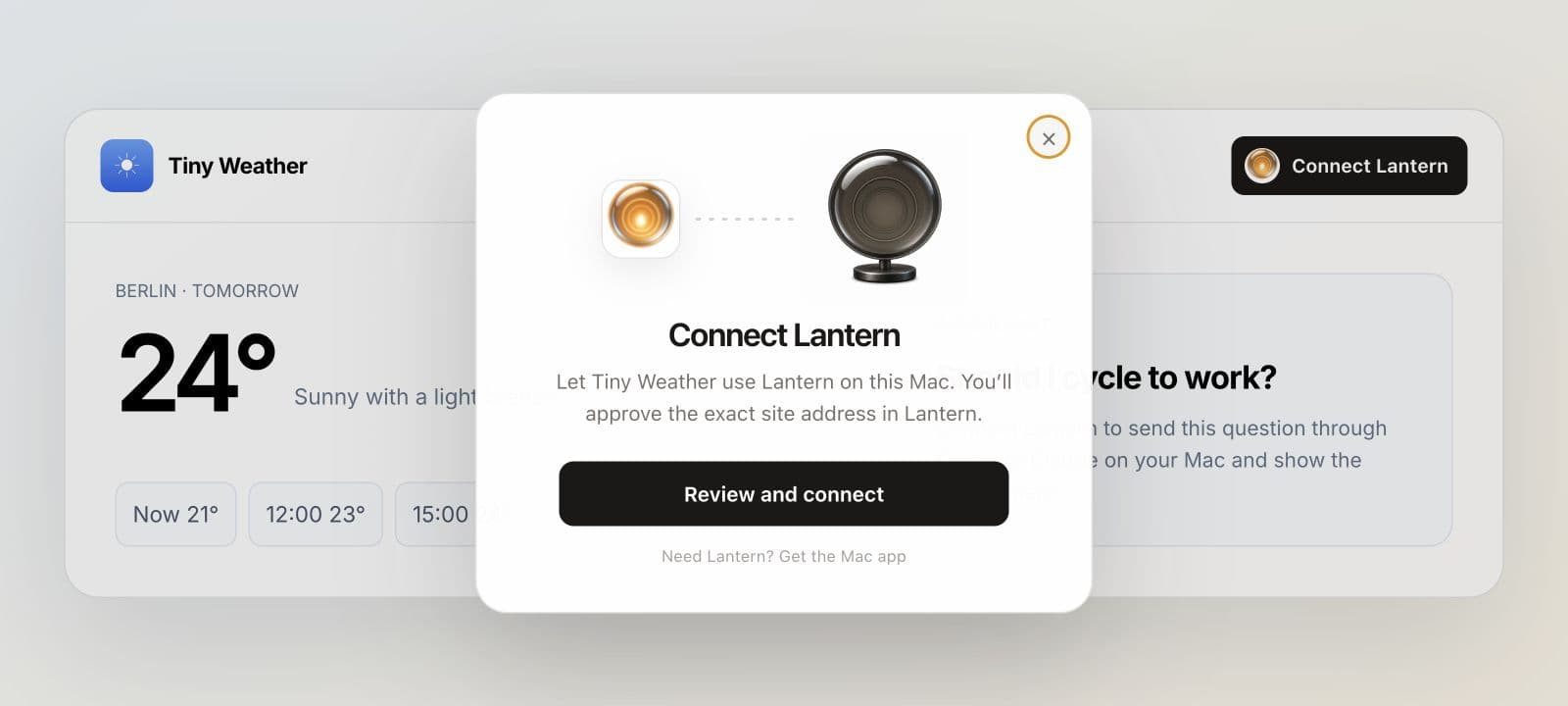
The lamp lights when the app can reach Lantern on their Mac.
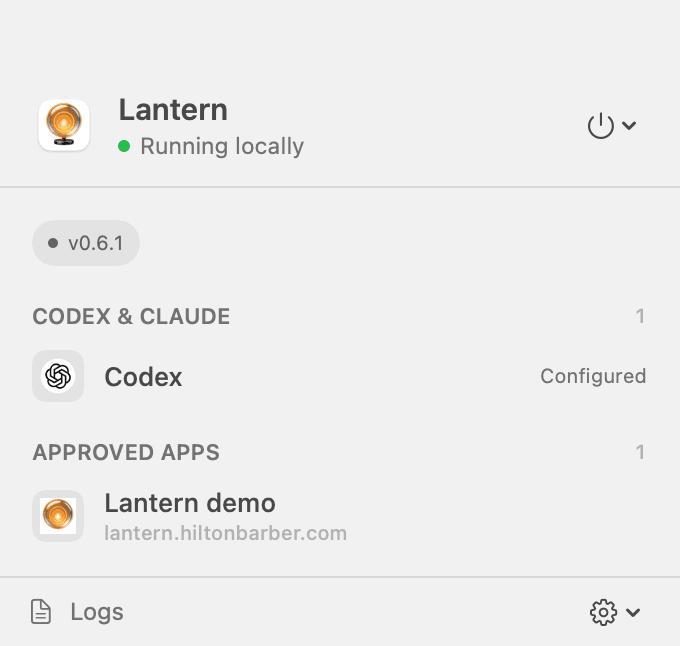
Stopping Lantern pauses every approved site at once.
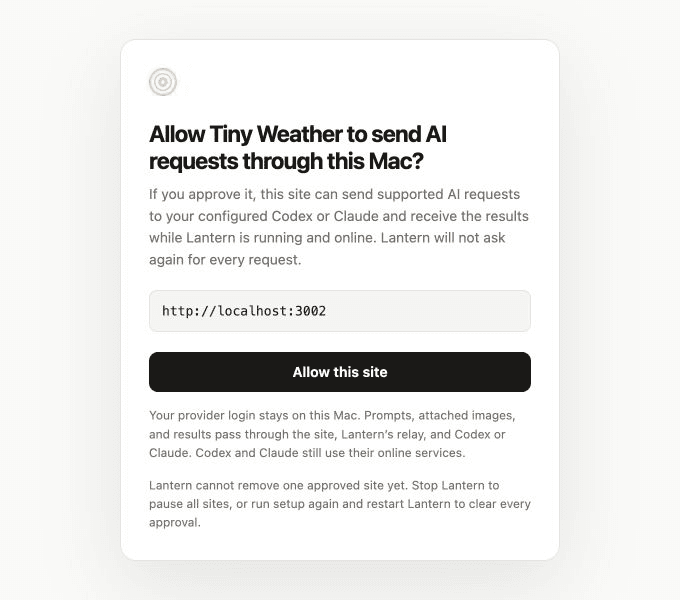
One approval covers later requests from that address while Lantern is running.
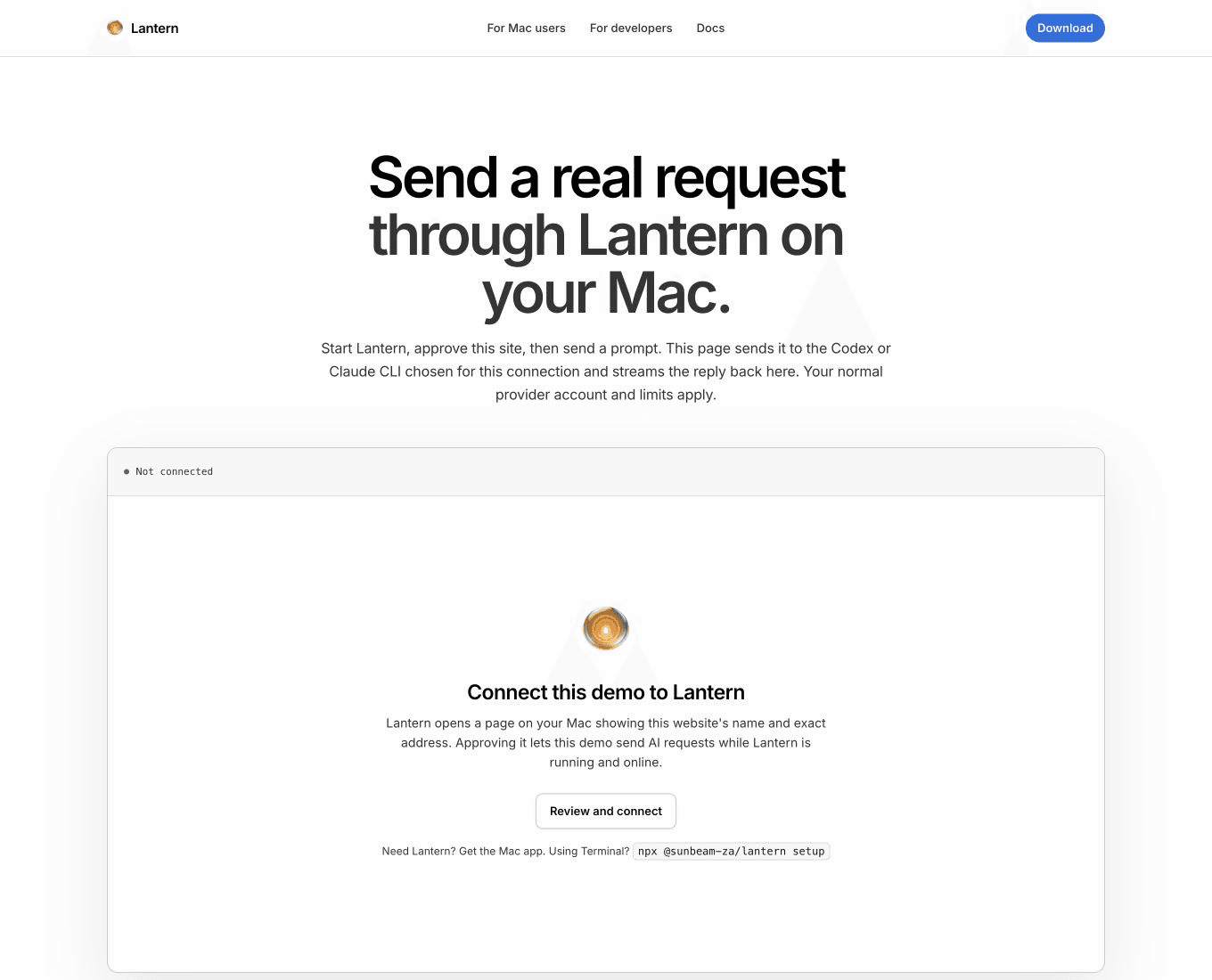
It connects this site to Lantern on your Mac and streams back a real Apple Intelligence, Codex, or Claude answer.
Your server signs the request, Lantern's relay routes it to the connected Mac, and Lantern verifies your app before starting the model adapter and streaming the reply back.
Read the request and security detailsPrompts and replies pass through your server and Lantern's relay. Codex and Claude requests continue to their online provider. Users should approve only sites they trust.
Lantern isn't hosting infrastructure. There's no pooled key and no reselling of inference — every request runs on one person's own account, within their own limits, under their provider's normal terms. That makes it the easiest way to put a hobby project, a prototype, or an early startup idea in front of real people. When you outgrow it, swap Lantern's provider for a paid API key and everything else stays the same.